Storage Expanders permanently increase your inventory capacity — consumables, Repair Canisters, and crafting materials all stack higher. There are only 3 of them in the whole game, and they're all tucked behind ability gates.
What They Are
A chunky metal module with a glowing storage icon. Picking one up increases your maximum carry capacity permanently — no equip slot needed, no Loadout juggling, just a flat upgrade that applies from the moment you grab it.
All three Storage Expanders sit behind the Lim Eraser or behind later-game traversal, so don't expect to clean them up on your first pass through each sector.
Total Count
3 Storage Expanders across three sectors:
| Sector | Count | Gate |
|---|---|---|
| Sector 1 · Solar Power Plant | 1 | Lim Eraser |
| Sector 4 · Lunum Mines | 1 | Main-story pickup |
| Sector 6 · Central Port | 1 | Cleanse + traversal |
Locations by Sector
Sector 1 · Solar Power Plant
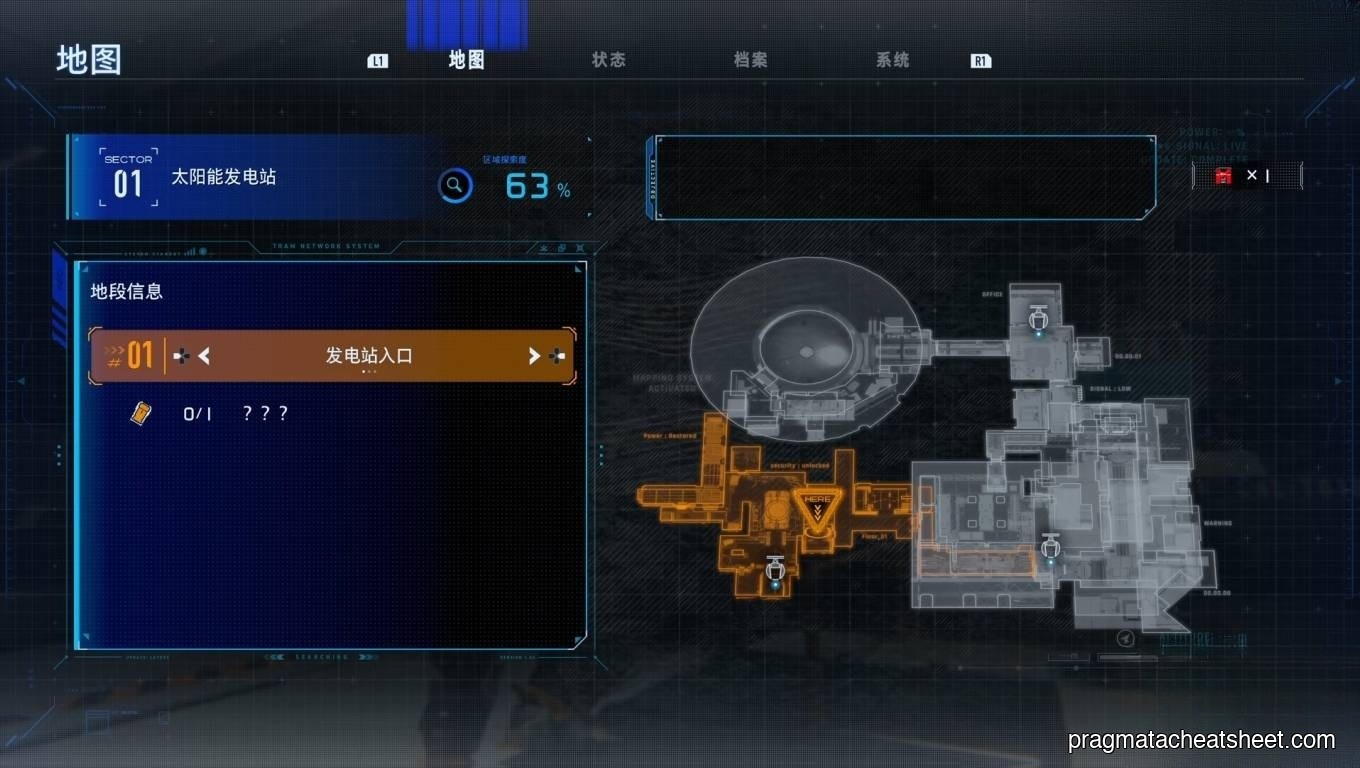
- Generator Entrance — sits behind a blue Lim barrier on the right side of the long corridor. You'll see it on your first pass and won't be able to grab it. Come back with the Lim Eraser after Sector 2.
Sector 4 · Lunum Mines
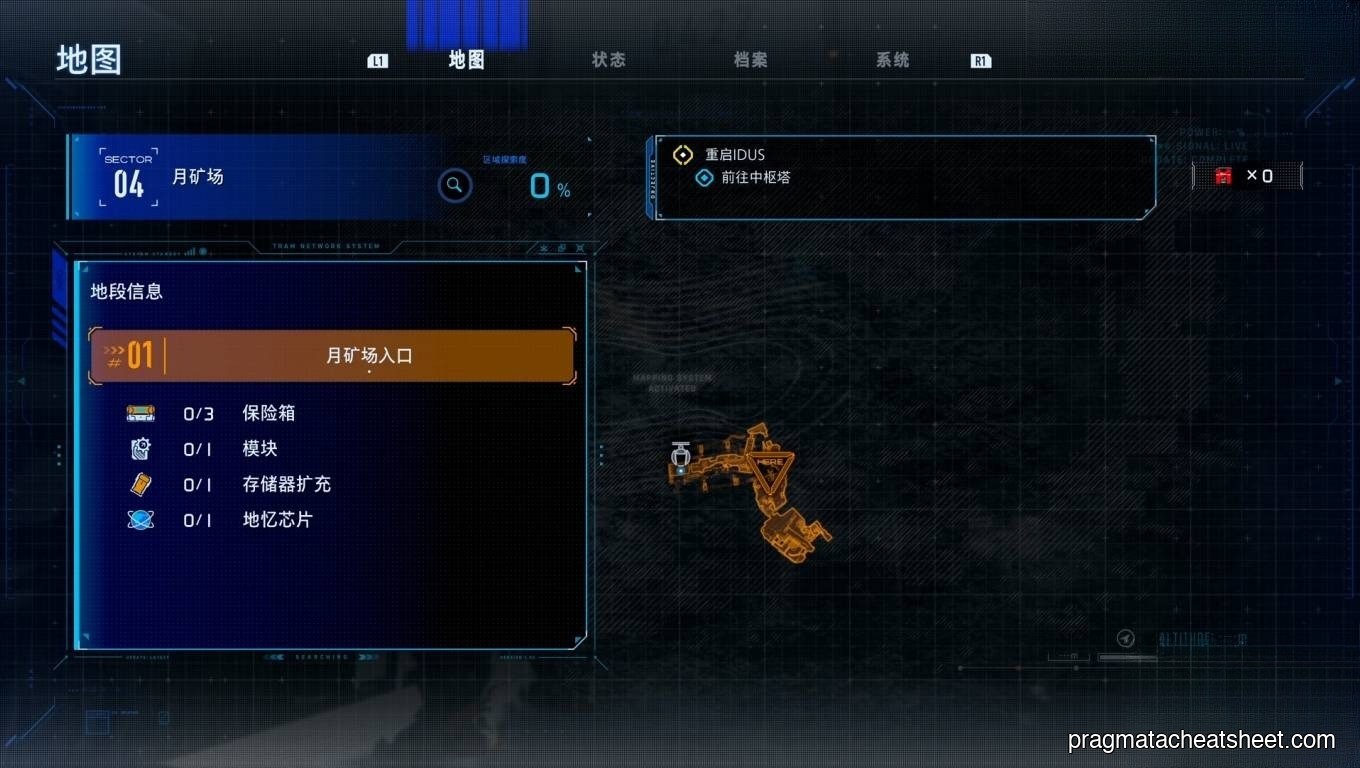
- Lunum Mines Entrance — an open-world pickup on your first time through. Check the left-side ledge off the first conveyor room; boost-jump up and grab it before the Luna Digger fight.
Sector 6 · Central Port
- Lunafilament Lab — tucked in one of the filament-cleaning corridors. You need Cleanse to reach it, so this is a late-game cleanup pickup.
Tips
- Grab the Sector 4 one on your first pass. It's the only open-world Storage Expander; don't waste a cleanup trip on it.
- Flag the Sector 1 Lim barrier mentally. Tons of players finish the game and realize they missed this one — come back as soon as the Lim Eraser unlocks.
- Save the Sector 6 run for last. Cleanse arrives so late you'll pick it up alongside the Lunafilament Pure Lunum sweep.
See Also
- Walkthrough · Sector 1 — covers the Lim Eraser back-tracking route
- Upgrade Components — the other permanent-upgrade pickup line