Documents are Pragmata's written lore drops — emails, memos, post-collapse notes, and the contents of every Notice Board you scan. They don't boost your stats, but they fill in the backstory of the Cradle and the Lunafilament disaster, and some of them drop useful gameplay hints about upcoming areas.
What They Are
A "Document" in Pragmata is any of three things:
- Field Documents — physical PDA-style notes sitting on desks, shelves, or the bodies of fallen workers
- Notice Board scans — every public terminal you interact with adds one to your archive
- Hologram logs — short voiced recordings tied to specific rooms
You can read them from the Archive tab in your pause menu. The game tracks a count per sector, and filling each sector's archive feeds into a late-game trophy.
How to Collect Them
Documents are the easiest collectible in the game — if you interact with everything as you move through, you'll get most of them without trying.
- Scan every Notice Board. They're marked on your HUD with a small screen icon; holding interact adds the doc to your archive.
- Pick up every glowing paper. Field Documents have a soft blue glow and sit on horizontal surfaces — desks, carts, fallen workers.
- Don't skip the holograms. Short projected recordings trigger when you walk past certain rooms; let them play to full to register the log.
- Use Object Scan. At any checkpoint, pulse your scan — Documents show up as small paper icons.
Locations by Sector
Documents are spread so densely that listing every single one would be tedious — the game's Archive already shows you missing counts per sector. Here's what to expect:
Sector 1 · Solar Power Plant
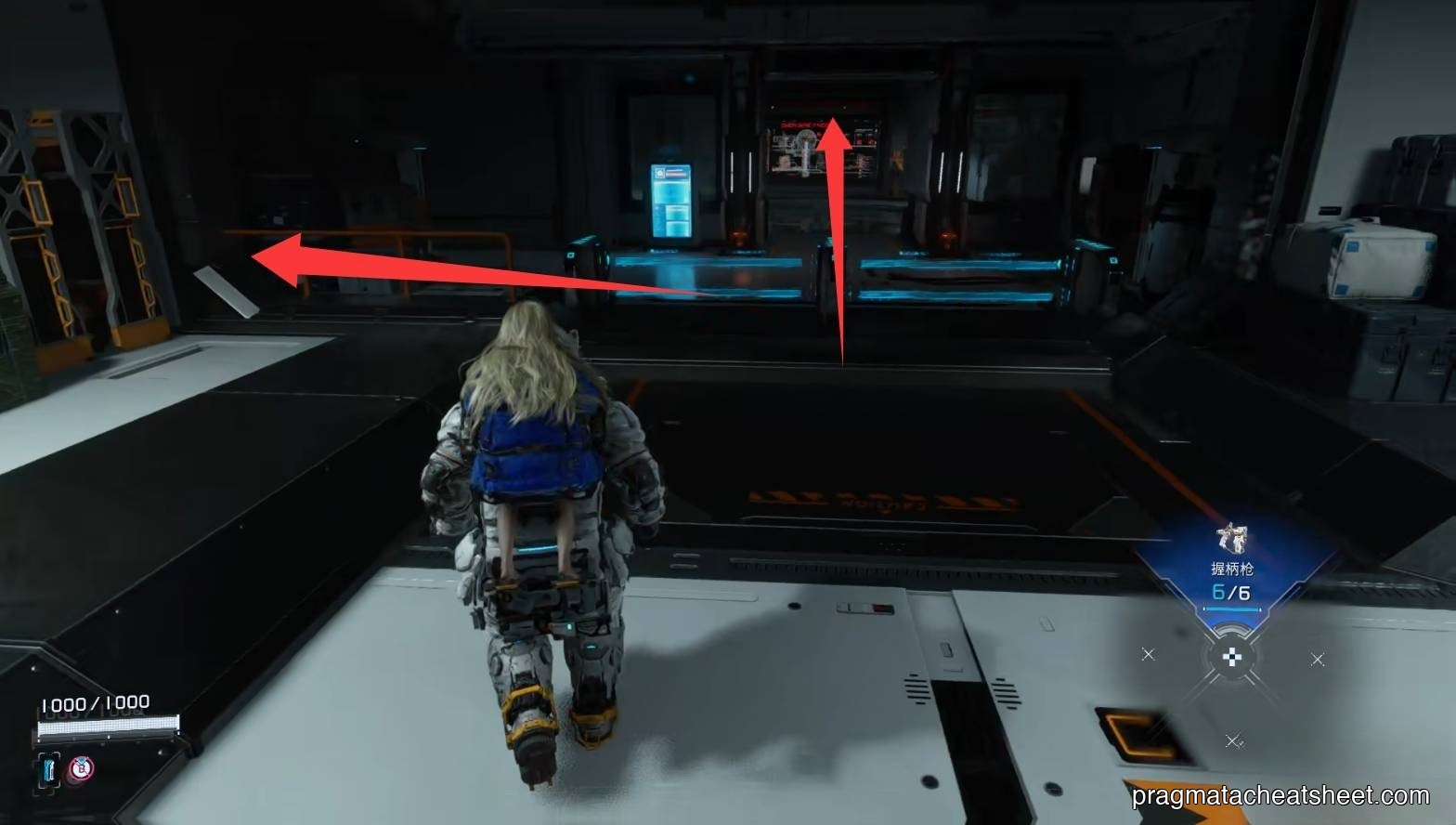
The first Notice Board is right off the tram at Generator Entrance. Field Documents continue down the corridor to the generator. Expect ~4–6 docs in Sector 1.
Sector 2 · Mass Production Array
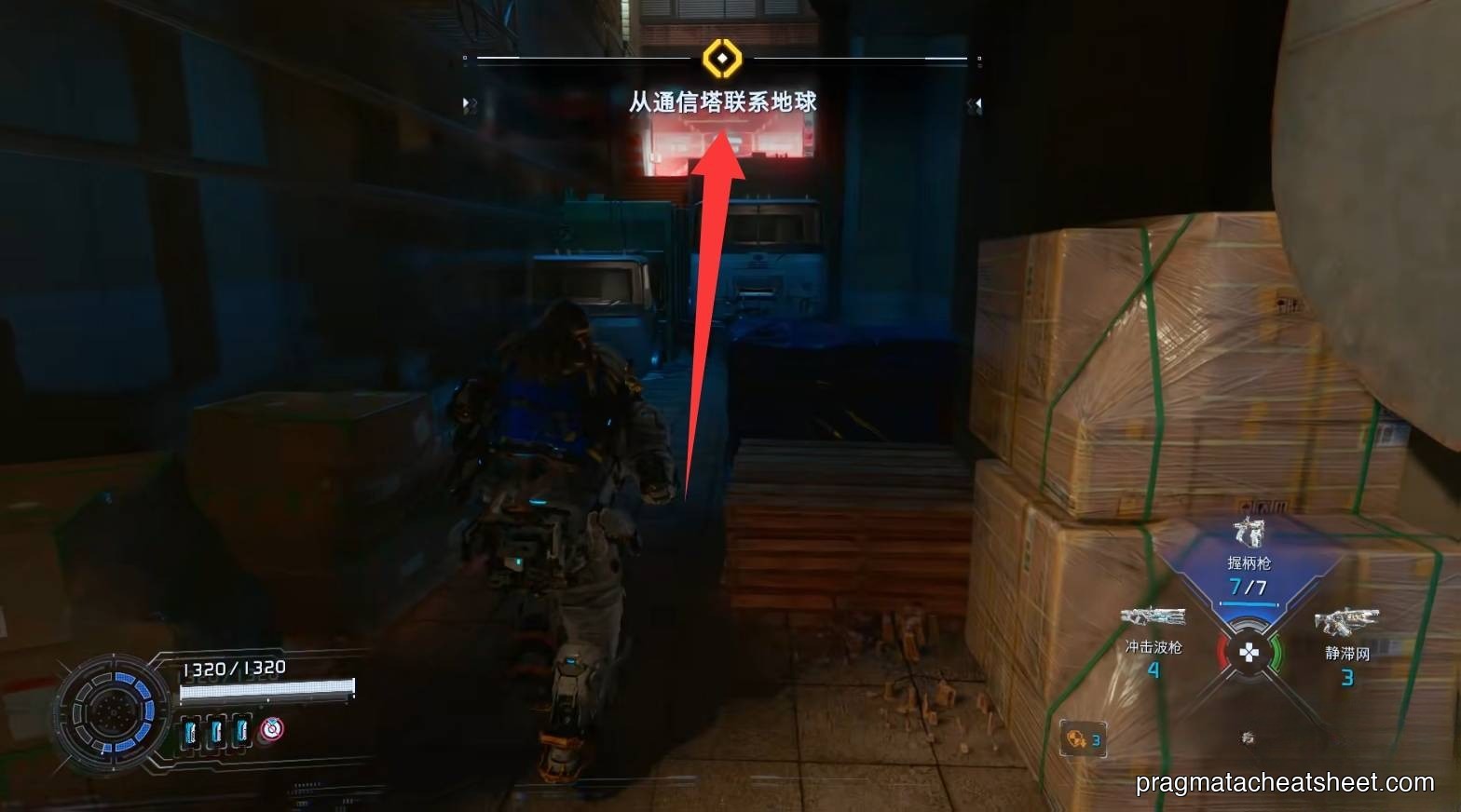
The Shopping District alone has multiple Notice Boards and café-counter Field Documents. Plan for ~8–10 docs across Sector 2.
Sector 3 · Terra Dome
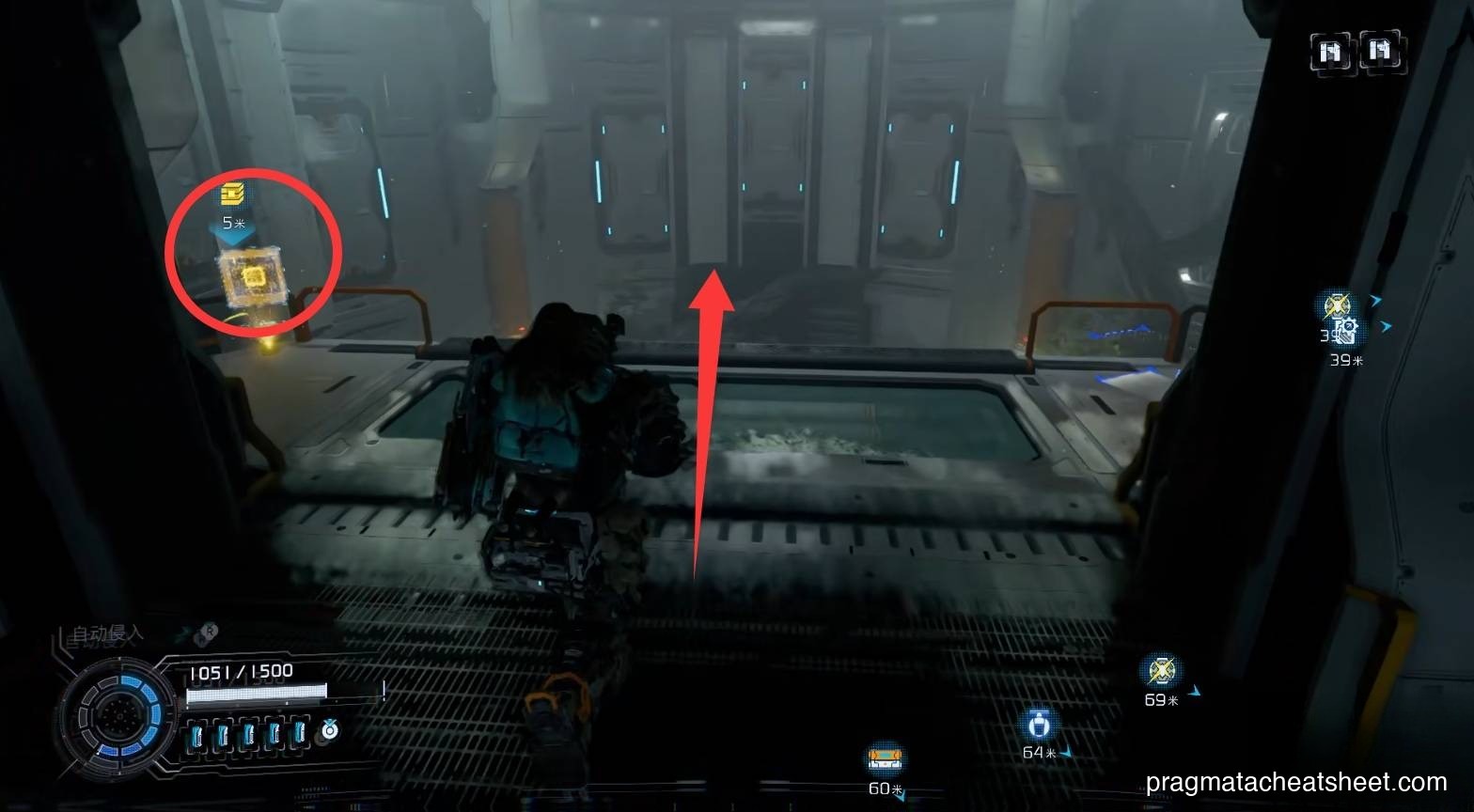
The research labs are swimming in memos. The invisible-enemy arena and the Soil Research Center also drop key story docs. Expect ~10+ docs.
Sector 4 · Lunum Mines
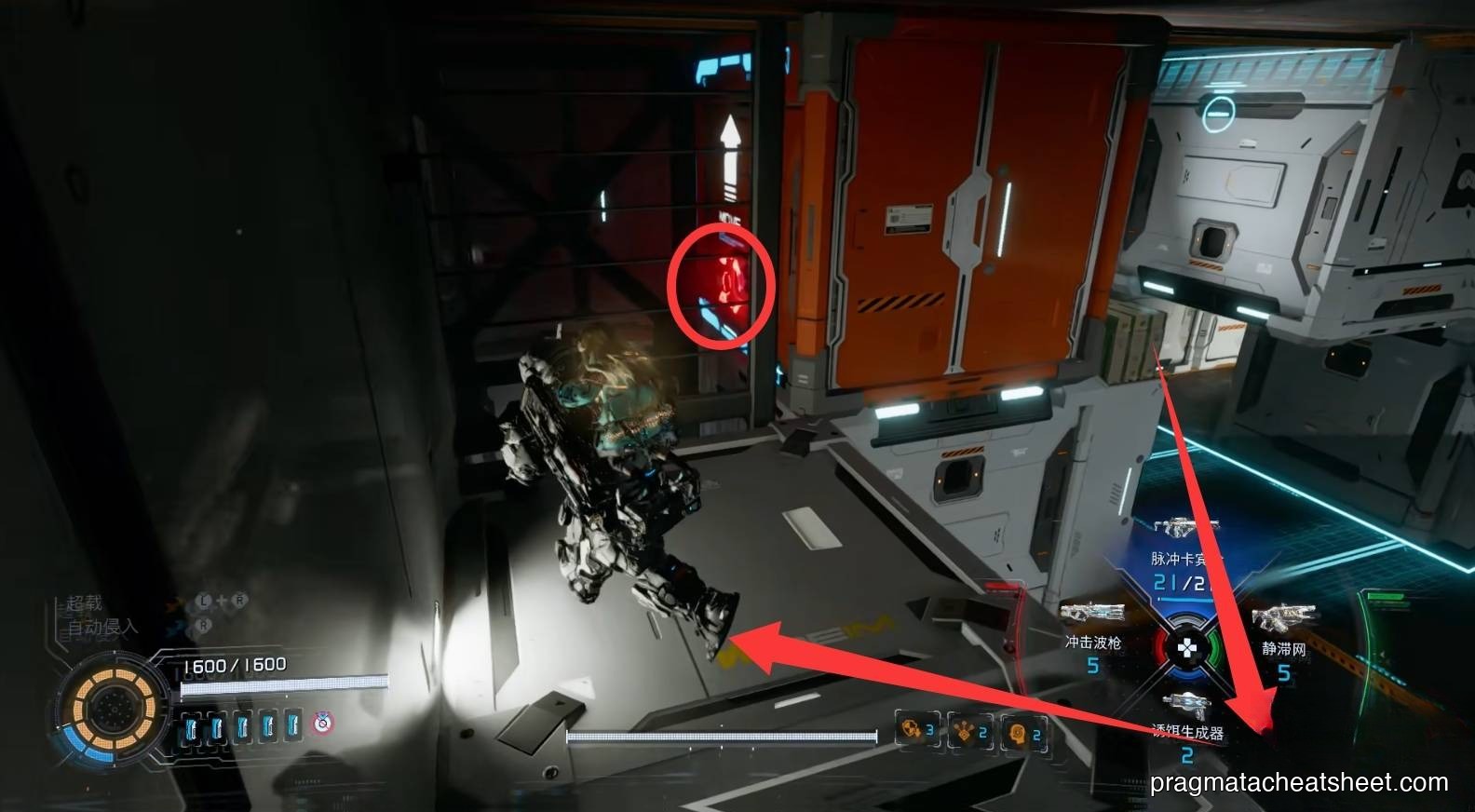
Mining logs, safety notices, and worker shift memos fill the Warehouse and Main Excavation Site. Expect ~8 docs.
Sector 6 · Central Port
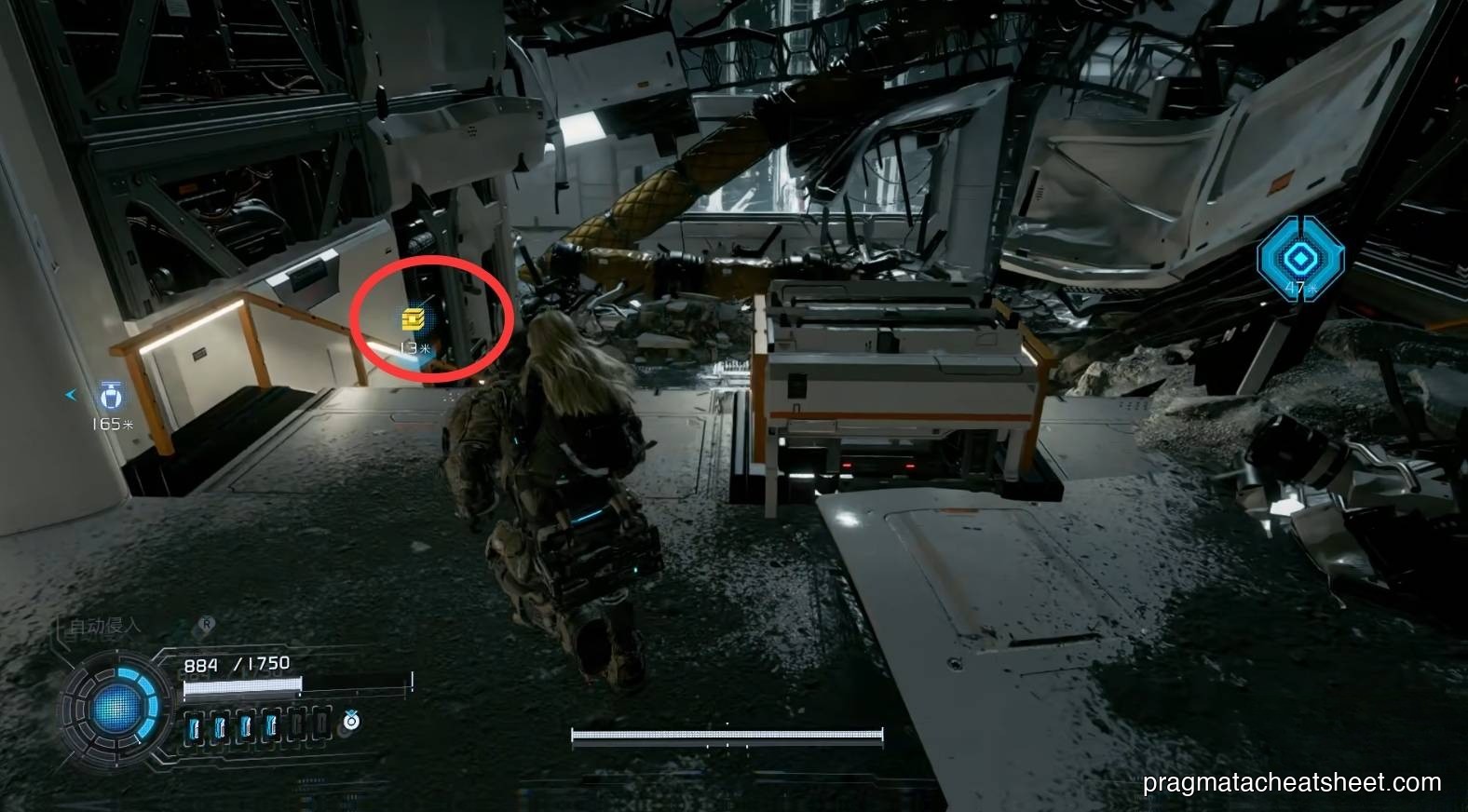
The final sector's documents tie directly into the ending — don't skip them if you care about the lore. Expect ~6–8 docs.
Tips
- Scan every Notice Board the moment you see one. They're easy to walk past, and a missed one means returning to the sector.
- Field Documents sometimes hint at the next collectible. Several mention where a Safe Box or Upgrade Component lives — worth a read before you enter the next room.
- There's no document missable penalty on first pass. Everything is recoverable in New Game Plus or Unknown Signal.
- Archive organizes by sector, not chronology. If you're hunting a specific log, check the Archive's sector filter rather than scrolling the full list.
See Also
- Walkthrough · Sector 1 — the easiest Document sweep route
- Read Earth Memories — the other lore collectible